Hey Sociala fam! 👋
A new batch of updates for experts who take consultations on Sociala is live, from a video block to background options in calls. Let’s go through them.
What’s new⚡
1. Video block
Experts can now upload a video to their widget. Visitors watch it directly on the page, on both mobile and desktop, so it works well for a short introduction or a preview of how you work with clients.
2. A new look for your photo
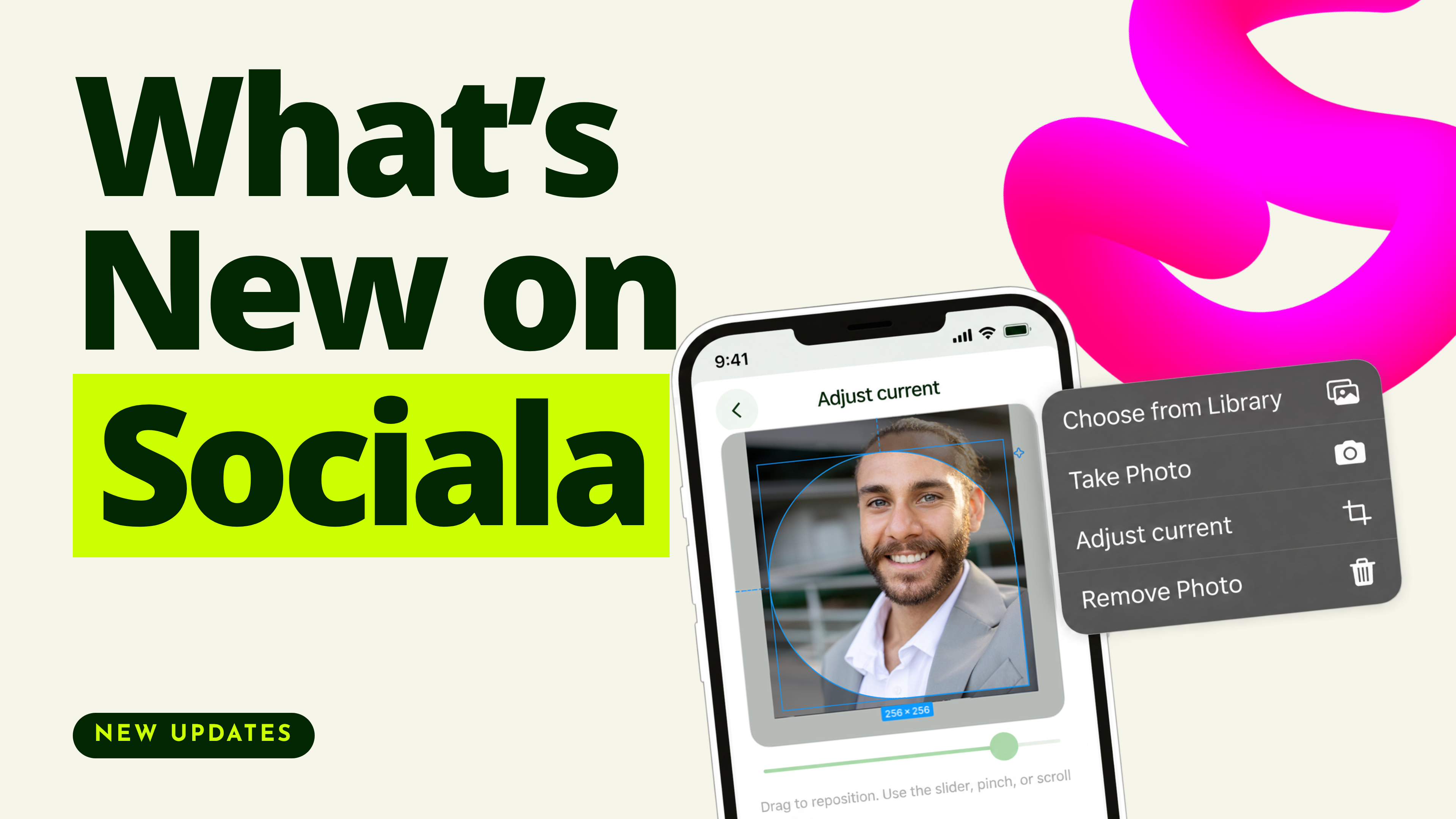
The expert photo in the widget header now appears in the Sociala drop shape. On the About you screen, a menu lets you replace or delete the photo, and the avatar updates on every screen of the widget, on mobile and desktop.
3. Redesigned widget management screen
The management page now has controls at the top and the full widget below, making it easier to manage and understand how it looks to visitors.
4. Updated booking confirmation screen
After a client books, the confirmation page now scrolls as a single page. The expert information block has Add friend, Follow and Chat buttons, so a client can connect with the expert right from the confirmation screen. It works on mobile and desktop.
5. Background blur and replacement in calls
During video consultations in your call room, you can blur your background, choose from ready-made options, or upload your own. It works on both mobile and desktop.
Beyond the widget updates, there’s one more thing to share 💸
Multi-Level Earning Program
For participants connected to the program, earnings can come from more than one referral level: from the people they invite and from the people those invitees bring in. A dedicated page keeps the rules, monthly goals and earnings in one place, while the wallet records each payment as a separate transaction.
Bug Fixes 🔧
We also shipped fixes across payments, subscriptions, posts, search and calls. A few of them: publishing or editing a post with attached files no longer fails, visitors who aren’t logged in are now offered sign-in or registration on the donation block, friend request notifications are delivered again, and the wallet PDF report now shows the Description field.
We will keep sharing updates here, so follow this page to see them as they ship. In the meantime, try the video block, refresh your photo and tell us in the comments what you’d like to see next 💚